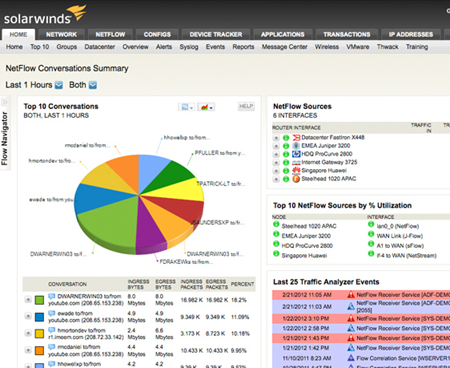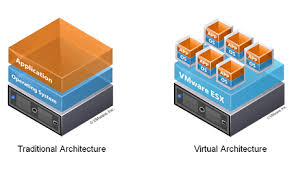
ShoreTel V14 Real-time Diagnostic and Monitoring Dashboard
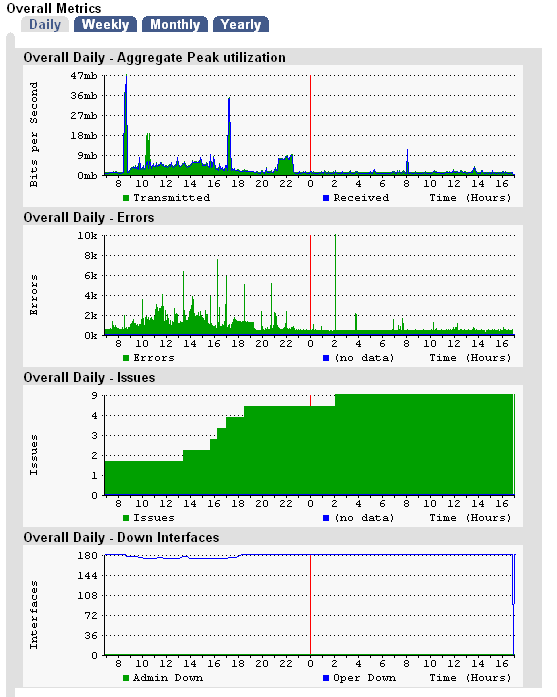
I am found of repeating that "product development is a process not an event"! Though the marketing folks need to package, position and promote products based on feature sets, generally products emerge over time. Building on previous releases, customer feed back and recommendations, products continue to emerge with new functionality. Most product development focuses on features that have market demand or differentiate one product from another. Occasionally, a new product feature is targeted at someone other than an end user. Engineers and Technicians are typically the last group of people to get a feature developed that makes their lives a bit more easy. Such is the case for ShoreTel Version 14 and the introduction of a "Diagnostic and Monitoring" tool!
The latest Version of ShoreTel has added a capability that we think is essential in iPBX technology as SIP becomes more of a standard. If you have ever attempted to trouble shoot SIP without the ability to do packet capture, you will know how valuable this feature set is. CISCO long ago had RMTM tools as a standard part of a Call Manager deployment. ShoreTel has now added that functionality to its standard product offering and it is dramatic! Now part of the ShoreWareDirector user interface, the Diagnostic Monitoring tool is a complete glass cockpit with a variety of monitoring tools. These tools include real time status updates of system areas including connections, trunk groups, bandwidth utilization, voice quality, switch status and service conditions. Combining "Quick View", with other tools that previously required loading modules or a putty session, the Diagnostic Monitoring center is a self navigation center for trouble shooting.
We are particularly excited about the "remote packet capture" feature of the Diagnostic tools. This tool enables you to remotely capture packets and bring them to a local pcap file. You are offered the opportunity to capture everything or limit your capture to specific areas of interest. For example, if you want to capture only SIP packets related to the ShoreGear switch you are running your SIP Proxies on, the diagnostic tool set lets you select these options. The files are WireShark compatible and if you have that application on your server, a simple click will launch the application and bring up your capture for analysis. This is a very power capability and simplifies some of the issues associated with setting up WireShark for remote capture. We think this feature set was long over due, but we are just mere engineers, what do we know!