Chat, Messaging & Web Meetings

Not Everyone Wants to Call Anymore. Now They Don't Have To.

Unified messaging and video collaboration tools.

Most customers would rather send a text than sit on hold, and a growing number expect to click a link and be looking at a live agent on video, not just listening to one. DrVoIP builds exactly this: SMS and MMS routed to the next available agent, opt-in text notification lists, a browser-based chat widget that escalates to a live video call with screen share, and internal agent-to-agent chat so your own team stays connected too. All of it lands inside the same Amazon Connect queues and reporting you already run, not a separate system to check twice.

WebRTC
Chrome and Firefox video chat, no download or install required
Chime SDK
How a text or web chat escalates to a live video call with screen share
SMS + MMS
Text and picture messaging routed straight to the next available agent
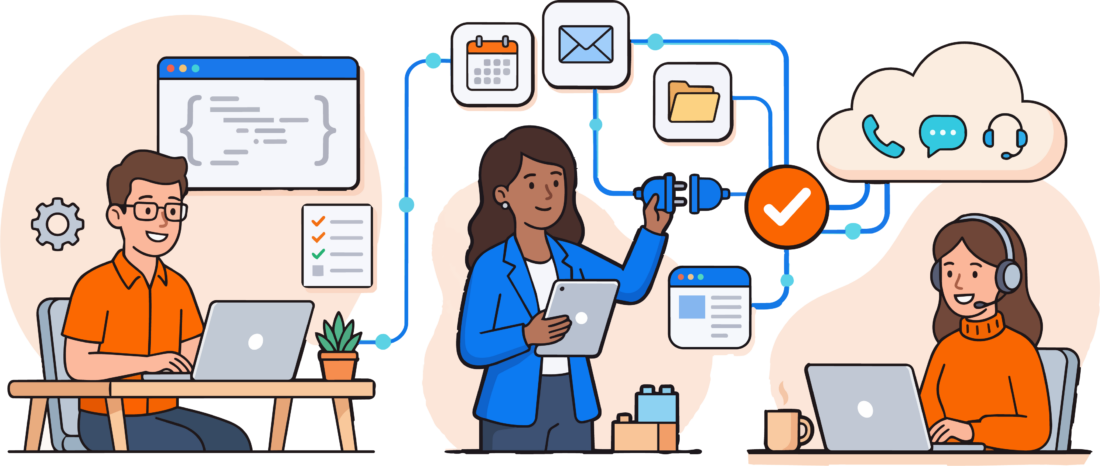
Chat, messaging, and video meetings connected to one contact center

Standard Consulting Partner since 2017

What A Unified Channel Build Covers

Six disciplines, one set of queues and reporting

This is the real service list we scope a messaging or video build from, not a generic "omnichannel" slide.

Web Chat & Click-to-Video

An embeddable link or widget for your website that opens a live text chat with the next available agent, one click away from a full video call.

SMS & MMS Messaging

Two-way text and picture messaging routed to the next available agent, using the same queues and reporting as a phone call.

Opt-In Notification Lists

A self-service text list customers join and leave themselves, JOIN to subscribe, STOP to leave, for sale alerts, outages, or on-call rotations.

Video Escalation via Chime SDK

A keyboard chat that escalates to a live video call with audio and screen share, built on the AWS Chime SDK, no separate app to install.

Team Chat & Call Parking

Internal agent-to-agent chat and call parking so your own team stays connected, not just the customer-facing channels.

Channel Handoff with Context

A conversation that starts in text and moves to voice, or vice versa, arrives with full history intact so nobody repeats themselves.

Why Channel Choice Still Matters

  • A phone call isn't always the fastest way to reach you, sometimes a text or a click is, and forcing a call loses the customer who would rather not wait on hold
  • Video turns "describe what you're seeing" into "let me show you", cutting resolution time on technical support and field-service calls
  • Every channel should land in the same queues and reporting as a phone call, not a separate system your team has to check twice
  • Your own team needs to talk to each other too, agent-to-agent chat and call parking aren't optional extras

Two Kinds of Conversation

Not every channel needs to happen in real time

Some requests are faster handled async. Others need to be seen, live, to resolve at all. A unified build supports both without forcing one into the other.

Asynchronous: Text, Chat & Notifications

  • SMS and MMS for support requests, order updates, or a photo of the problem
  • Opt-in text lists customers join and leave themselves, JOIN to subscribe, STOP to leave
  • A website chat widget for questions that don't need a live conversation
  • Lower cost per interaction, and no scheduling required on either end

Real-Time: Video & Web Meetings

  • One-click video escalation from an existing chat, audio and screen share included
  • Built on the AWS Chime SDK, agents need nothing more than a Chrome or Firefox browser
  • Right fit for technical support, field-service quotes, or anything faster to show than describe
  • Higher-touch, and it resolves in one call what text alone cannot

Most contact centers need both. A customer might open with a text, get routed to chat, and escalate to video the moment a screen share would resolve things faster, all without leaving the conversation or repeating themselves.


How A Channel Build Actually Runs

Assess, design, build, and support what ships

The same sequence whether it's a single text notification list or full Chime-based video escalation.

  1. 1

    Assess

    Which channels your customers are already trying to use, and where a phone-only setup is losing them.

  2. 2

    Design

    Chat, SMS, and video mapped onto your existing queues and routing, not a bolt-on system to check separately.

  3. 3

    Build

    Chime SDK video escalation, SMS and MMS messaging, and the Lambda functions that tie it to Amazon Connect.

  4. 4

    Support

    Channels keep working the way they did on day one, monitored and maintained alongside the rest of your platform.

Talk It Through First

Get a Channel Fit Check

Tell us which channels your customers are already trying to use, text, chat, video, and we'll tell you honestly what it takes to wire them into Amazon Connect.


Proof, Not Hype

Built and shipped, not just proposed

How this actually runs, not a theoretical capabilities slide.

Real Engineering

Click2WebChat: video chat and screen share from a browser tab

DrVoIP built a browser-based call center extension on Twilio and AWS that lets a customer escalate from a click-to-call link straight into a live video call with screen share, agents need nothing more than Chrome or Firefox and a webcam.

Real Engineering

Chime-powered video escalation inside Amazon Connect

For contact centers already running Amazon Connect, DrVoIP built video escalation directly on the AWS Chime SDK: a Lex-orchestrated chat intake that either side can bump up to a live video call, pushed to iOS and Android as easily as a desktop browser.

Certifications

AWS Certified Generative AI Developer – Professional badge
AWS Certified Machine Learning Engineer – Associate badge
AWS Certified AI Practitioner – Foundational badge

“I have known Peter for 20 years, and he has been our consultant for over 10 of them. He is a person of great integrity. The DrVoIP name suits him perfectly.”

Sonya OrmeEntrepreneurship and Cultural Transitions Consultant

“I feel their knowledge of both the AWS product as well as our previous product has been a great asset in easing the transition, as they already know how our current solution works and what we will want from AWS in regards to mimicking certain features.”

Jason AgcaoiliManager, ASMR

“I highly recommend DrVoIP to anyone interested in obtaining fast responses and solutions to problems around the creation of a modern AWS Connect phone system.”

Mickael SebbanFounder, Oui Systems

Where This Fits In What We Build

Unified messaging isn't a separate product, it's one of six disciplines

Chat, messaging, and video work sits alongside the rest of Cloud Services. Here's exactly where it connects.

Chatbot Design

Need the bot answering in that chat window, not just the channel it runs on? See Amazon Lex bot design.

Explore ›

Custom Application & Integration Development

The Chime SDK and Lambda backend behind every channel on this page is built here.

Explore ›

Why Cloud Services

Unified messaging is one of six disciplines underneath every build DrVoIP ships.

Explore ›


Common Questions

Frequently asked questions

This page is about the channels themselves, SMS, web chat, and video, and how they connect to Amazon Connect. Chatbot Design is about what answers inside that chat window: an Amazon Lex bot versus a live agent. Most contact centers use both, a bot handles the routine questions, and the channels built here hand off to a human, with full context, when a conversation needs one.

Yes. Agents need a Chrome or Firefox browser, a webcam, and a headset. Customers click a link, no download, no account, no app store install, which is most of why video adoption is higher than teams expect.

Yes, MMS picture messaging routes to the next available agent the same way a text does. It's a common request from technical support and field-service teams who would rather see the problem than have it described.

It keeps its history. A chat that escalates to video, or a text that becomes a phone call, arrives with the prior context intact so the customer never has to repeat themselves.

It depends on which channels you need and how deep the integration goes, a text notification list is a smaller build than full Chime-based video escalation. We scope it on a short call and send back a fixed-fee quote, not an open-ended hourly estimate.


Further Reading

More on chat, messaging, and video in the contact center

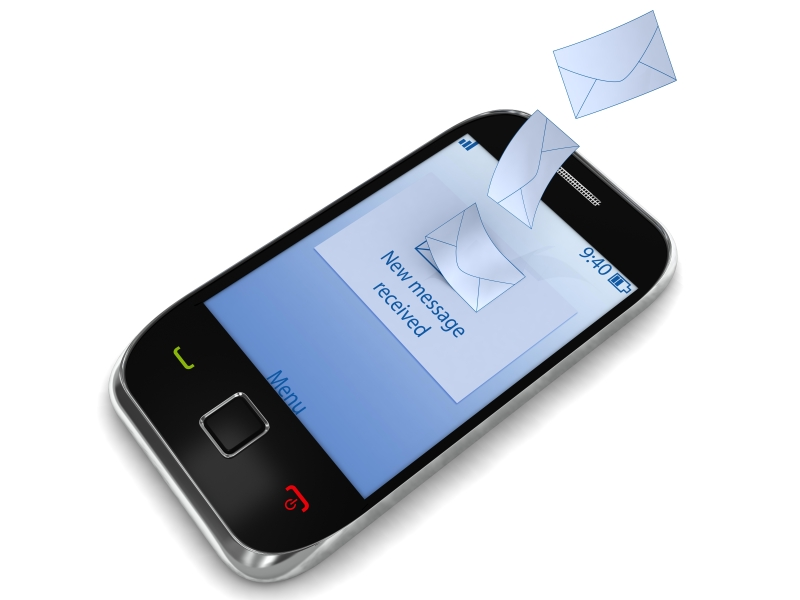
Mobile messaging notification illustration

Click2WebChat.com Browser Based Call Center featuring Video Chat & Screen Share!

, , ,
Do you Text or Call? Most call centers have learned that folks are not sitting at home on a wired land line phones calling for tech support,  or to make an appointment or to check on the status of an outstanding order!   These folks are rushing…
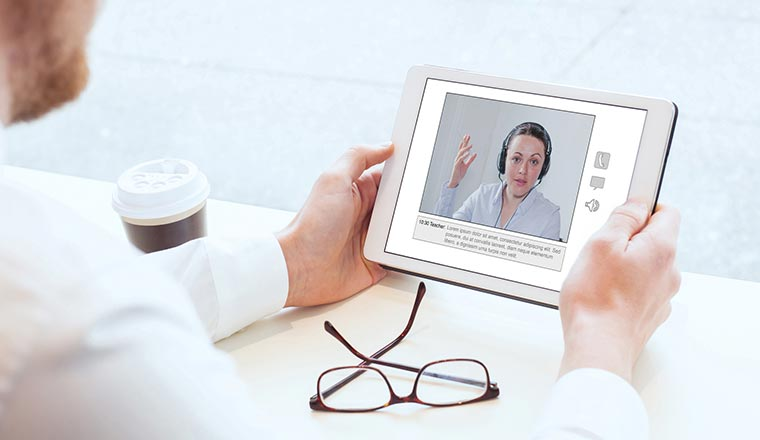
Video call center consultation photograph

Adding Video to your Amazon Connect Contact Center

, , ,
Why Video? If a picture is worth a thousand words then a video is an encyclopedia of information!   I remember a team building exercise in communications in which all the team mates sat with their back to the grease board at the front of…
Mobile messaging notification illustration

Call, Click or Text your Contact Center?

, ,
Mobile devices are the most ubiquitous devices on the planet! Text messages are read almost instantly, never miss their target and are high impact, high content messages. Why continue to increase the number of incoming telephone lines to your…
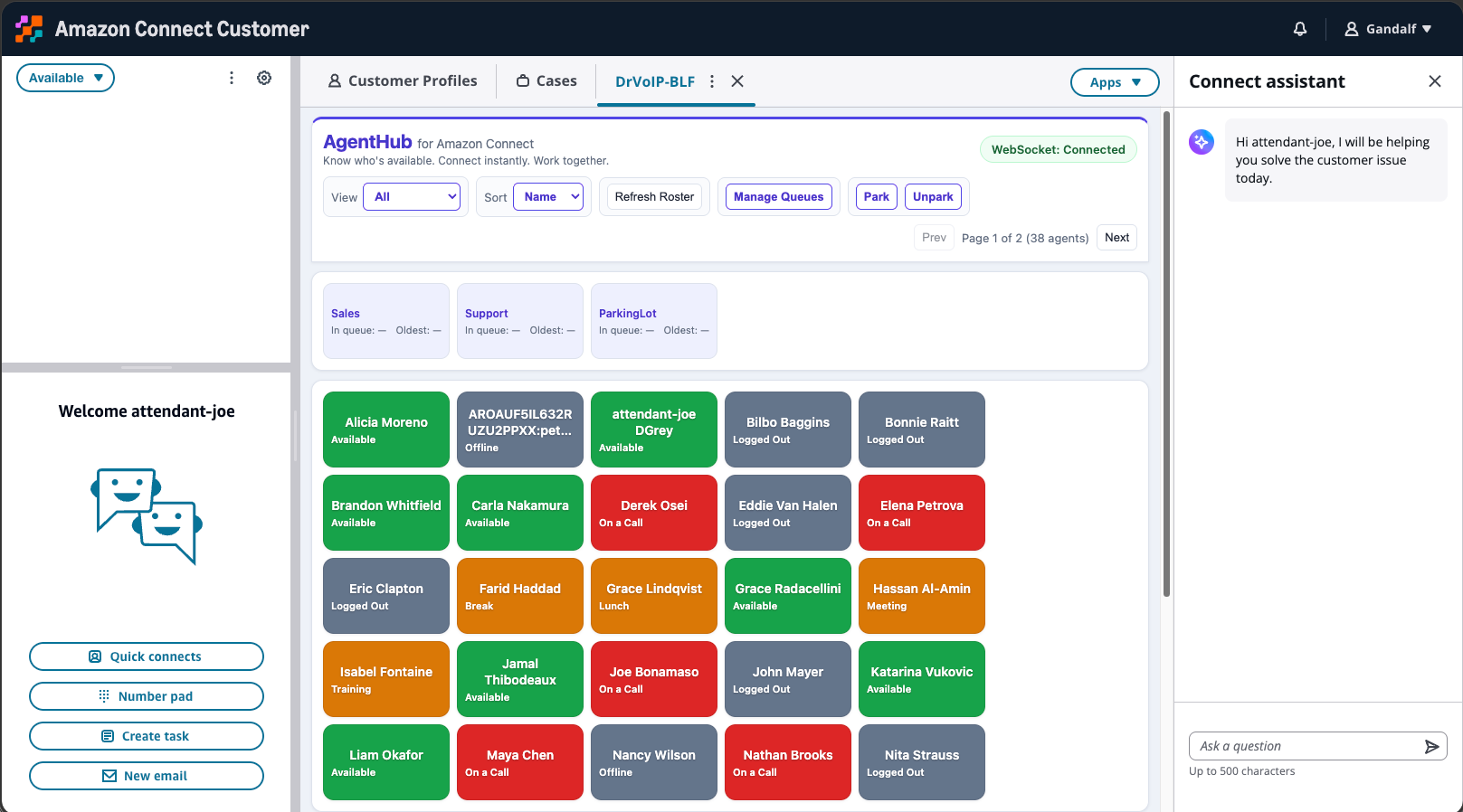
AgentHub queue and team visibility dashboard

AgentHub for Amazon Connect: Team Visibility, Agent Chat, and Call Parking

, , ,
An Amazon Connect agent can see the customer interaction in front of them. But can they see who else is available, what is happening in the queues they support, or which teammate can help right now? That missing team awareness matters. Contact-center…

A real product built on Twilio and WebRTC: click a link on your website and land in a live video call with an agent, no download required.

Why a video call resolves what a phone call can't, and how a chat escalates to Chime-powered video with a Lex bot handling the handoff.

Why a text message beats another minute on hold, and what it takes to route SMS to the next available agent.

Unified messaging isn't only customer-facing. Team visibility, internal agent chat, and call parking keep your own staff connected too.

Click2WebChat: Browser Based Call Center Featuring Video Chat & Screen Share

Adding Video to Your Amazon Connect Contact Center

Call, Click or Text Your Contact Center?

AgentHub for Amazon Connect: Team Visibility, Agent Chat, and Call Parking

Video

Video

Messaging

Team Collaboration


Ready to add chat, text, or video to your contact center?

Tell us which channels your customers are already trying to use and we'll send back a fixed-fee quote, scoped to what you actually need.